Category: virtual set vmix
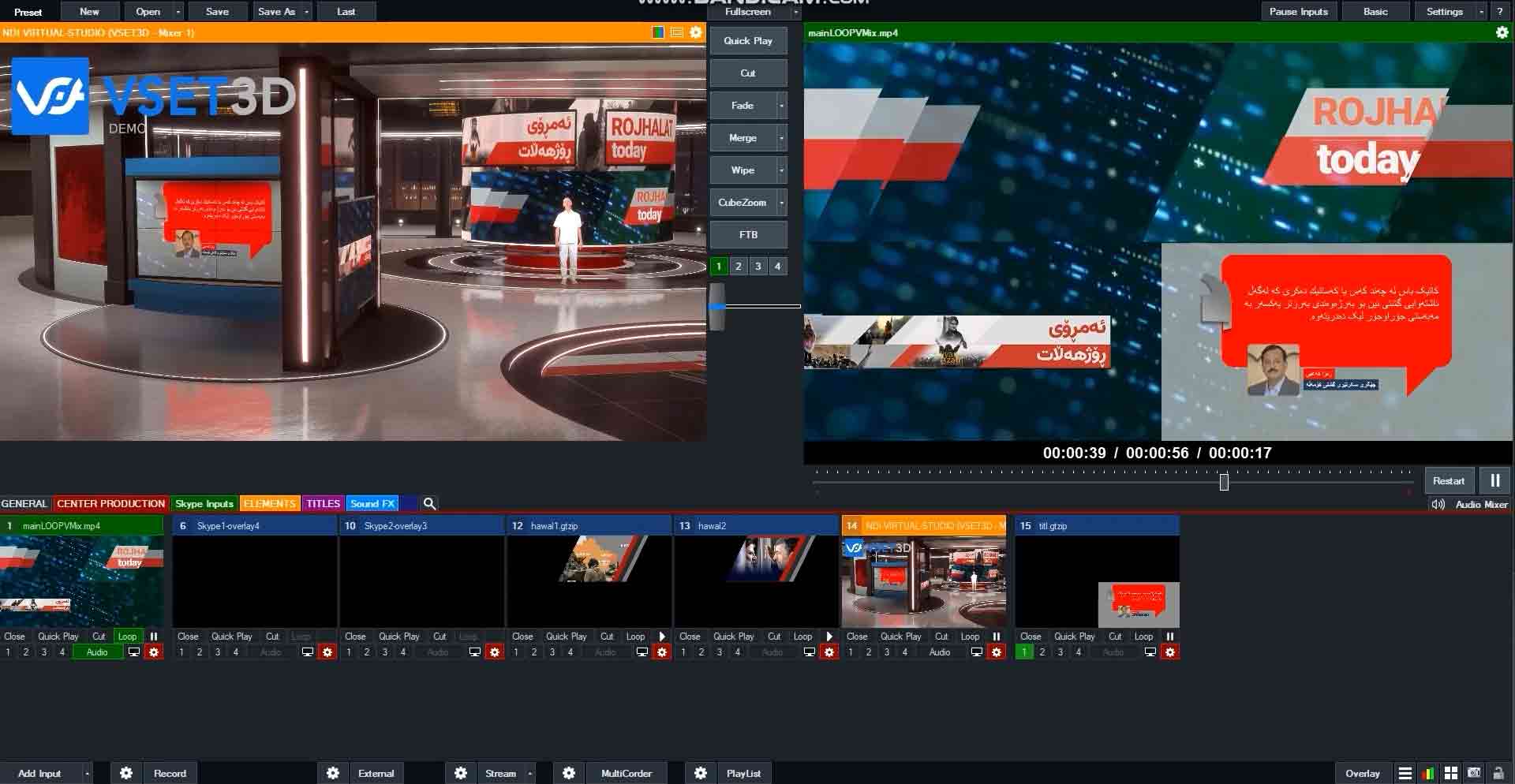
Vset3D can be used with any live production software giving you seamless, real-time access to a multi-camera, virtual studio.
Check out this video for how to use Vset3D as a virtual set with vMix® software.
You can do the same with Newtek Tricaster® or software like OBS, VidBlaster WireCast, Livestream Studio.
Thanks to NDI® Alpha32 video, you can also use vMix® chroma key and send transparent videos to Vset3D.
Certainly! Here’s the revised version with “vMix” included:
Vset3D offers unparalleled customization, allowing you to import your own 3D models and textures for complete control over your virtual sets. Unlike vMix, Vset3D provides advanced features tailored for professional productions, such as flexible camera angles and realistic virtual objects, ensuring your content stands out. Its advanced rendering technology creates lifelike virtual sets, surpassing the capabilities of vMix’s built-in virtual set feature and enhancing the overall quality of your productions. Vset3D seamlessly integrates into your existing workflow, making it easy to incorporate alongside vMix into your live production setup. By investing in Vset3D, you’re choosing a solution that will continue to evolve and improve over time, ensuring your productions remain cutting-edge and relevant in the future.
-
Vset3D Virtual set and vMix
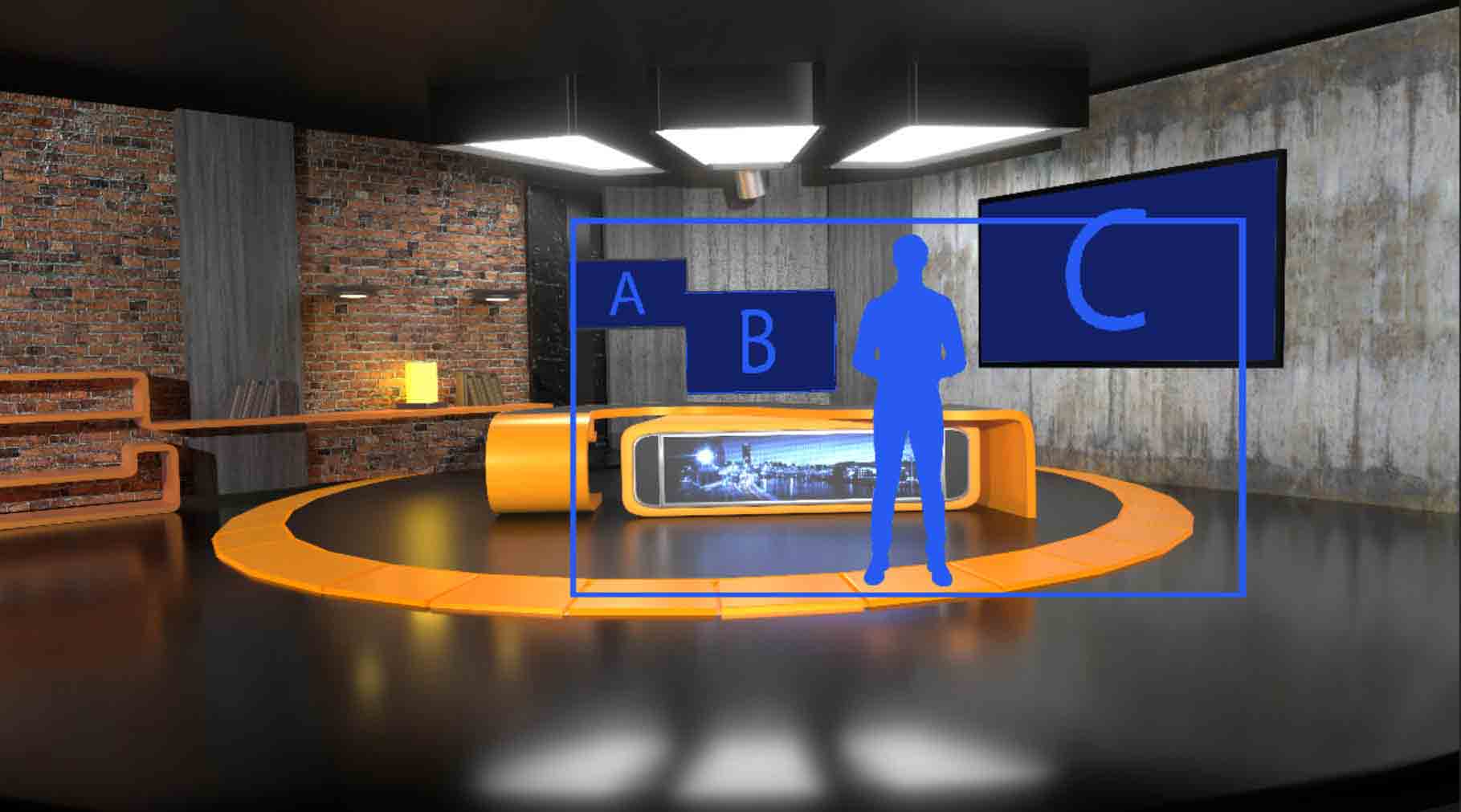
In this video, we’ll explore how you can seamlessly integrate these two software solutions to enhance your live video productions Optimal performance: Before we dive in, it’s essential to note that Vset3D and vMix should run on two different computers. This setup ensures optimal performance and flexibility. One computer runs Vset3D for creating stunning virtual
-
Virtual set NDI®
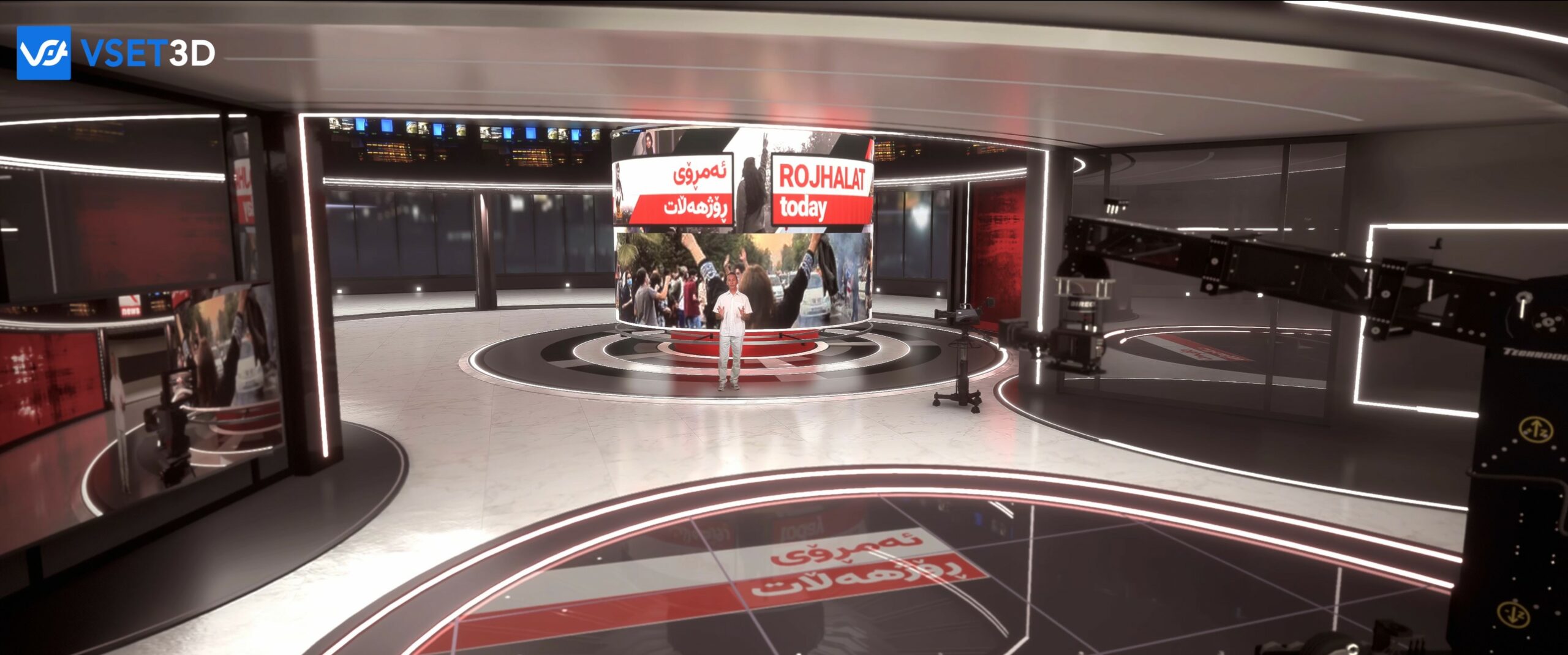
Vset3D uses NDI® technology which allows you to send and receive video over IP. This video shows you the way to use vset3D as virtual set for any live production software. You can use external key and send transparent videos to Vset3D thanks to NDI® Alpha 32 video. Using only one computer, (suitably strong), Vset3D