
-
-
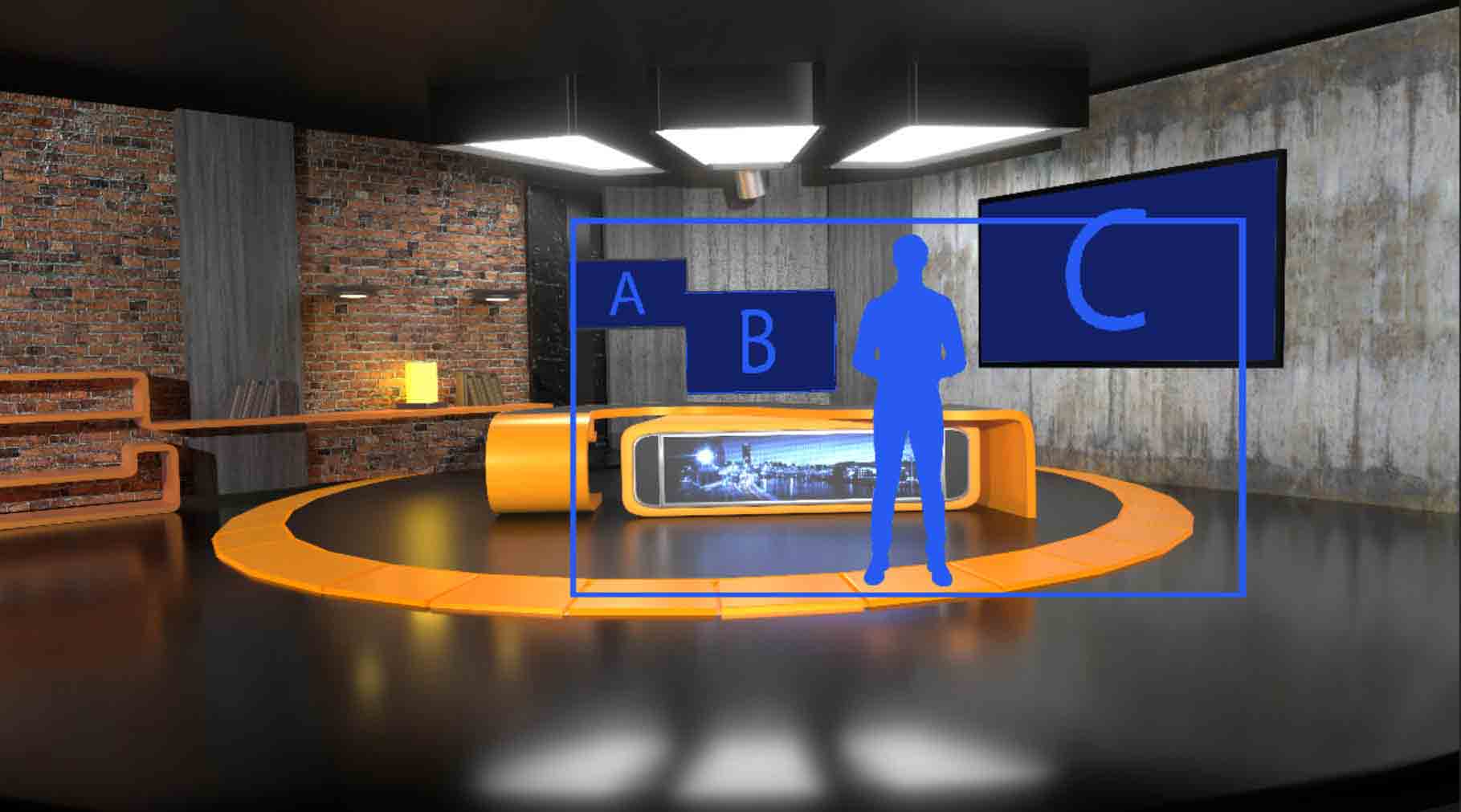
Vset3D Virtual set and vMix
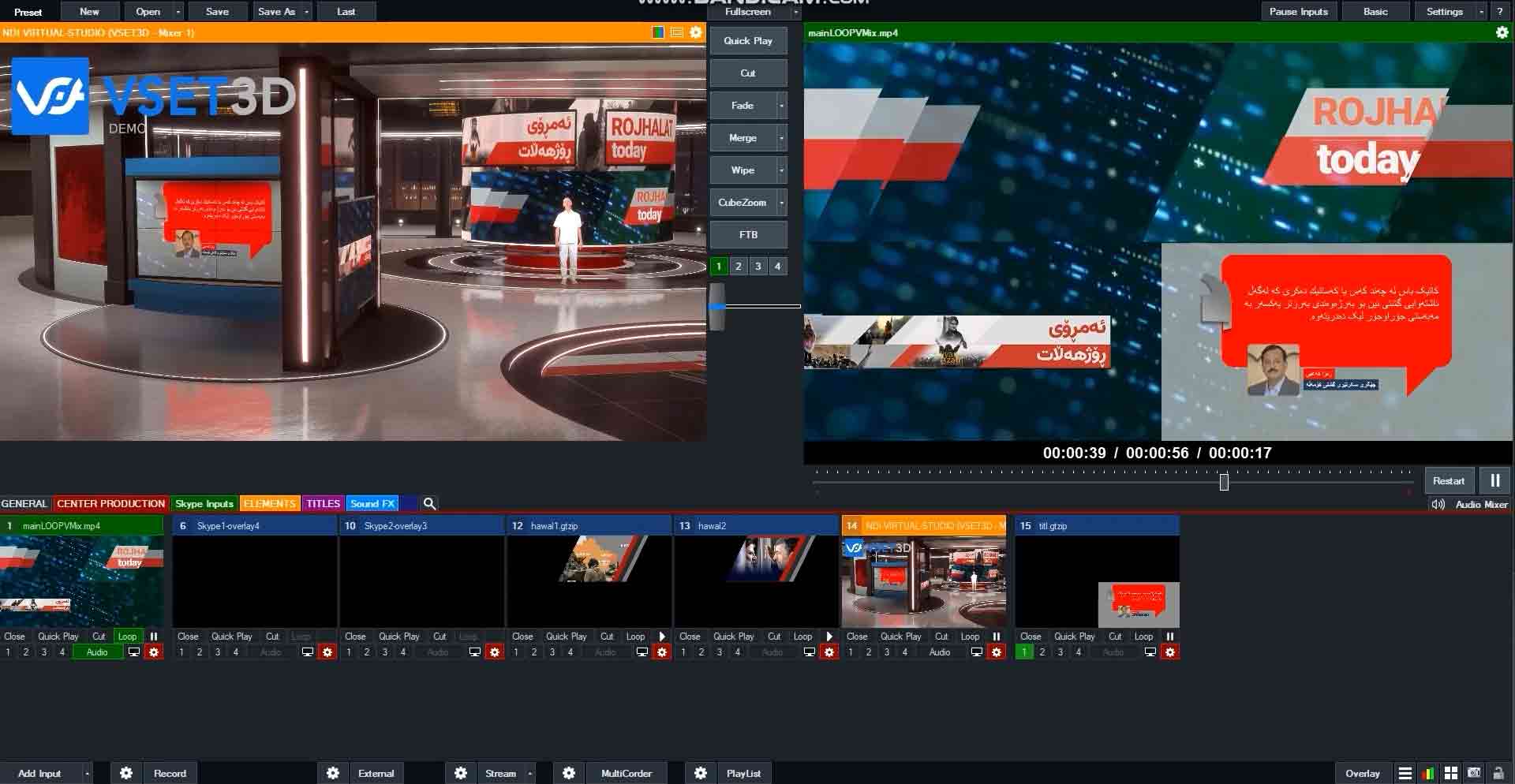
In this video, we’ll explore how you can seamlessly integrate these two software solutions to enhance your live video productions Optimal performance: Before we dive in, it’s essential to note that Vset3D and vMix should run on two different computers. This setup ensures optimal performance and flexibility. One computer runs Vset3D for creating stunning…
-
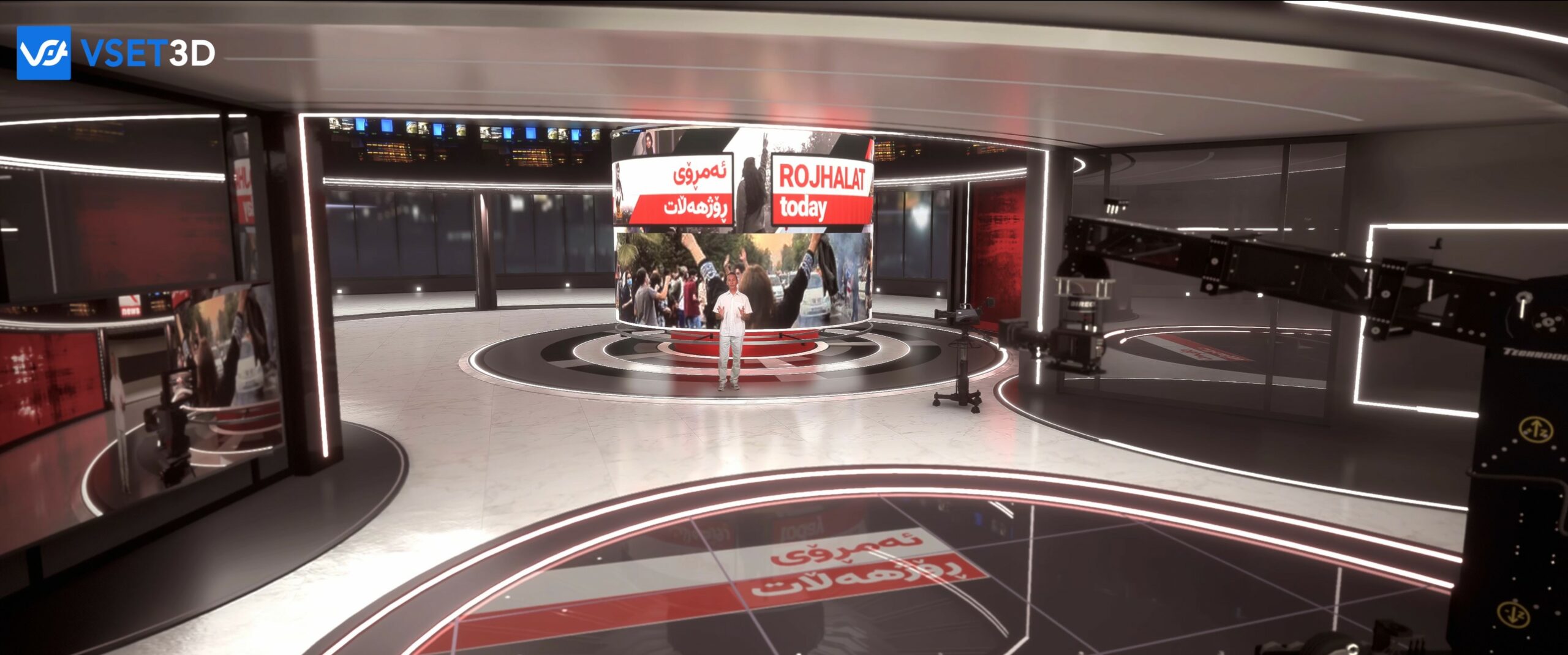
Virtual set NDI®
Vset3D uses NDI® technology which allows you to send and receive video over IP. This video shows you the way to use vset3D as virtual set for any live production software. You can use external key and send transparent videos to Vset3D thanks to NDI® Alpha 32 video. Using only one computer, (suitably strong),…