
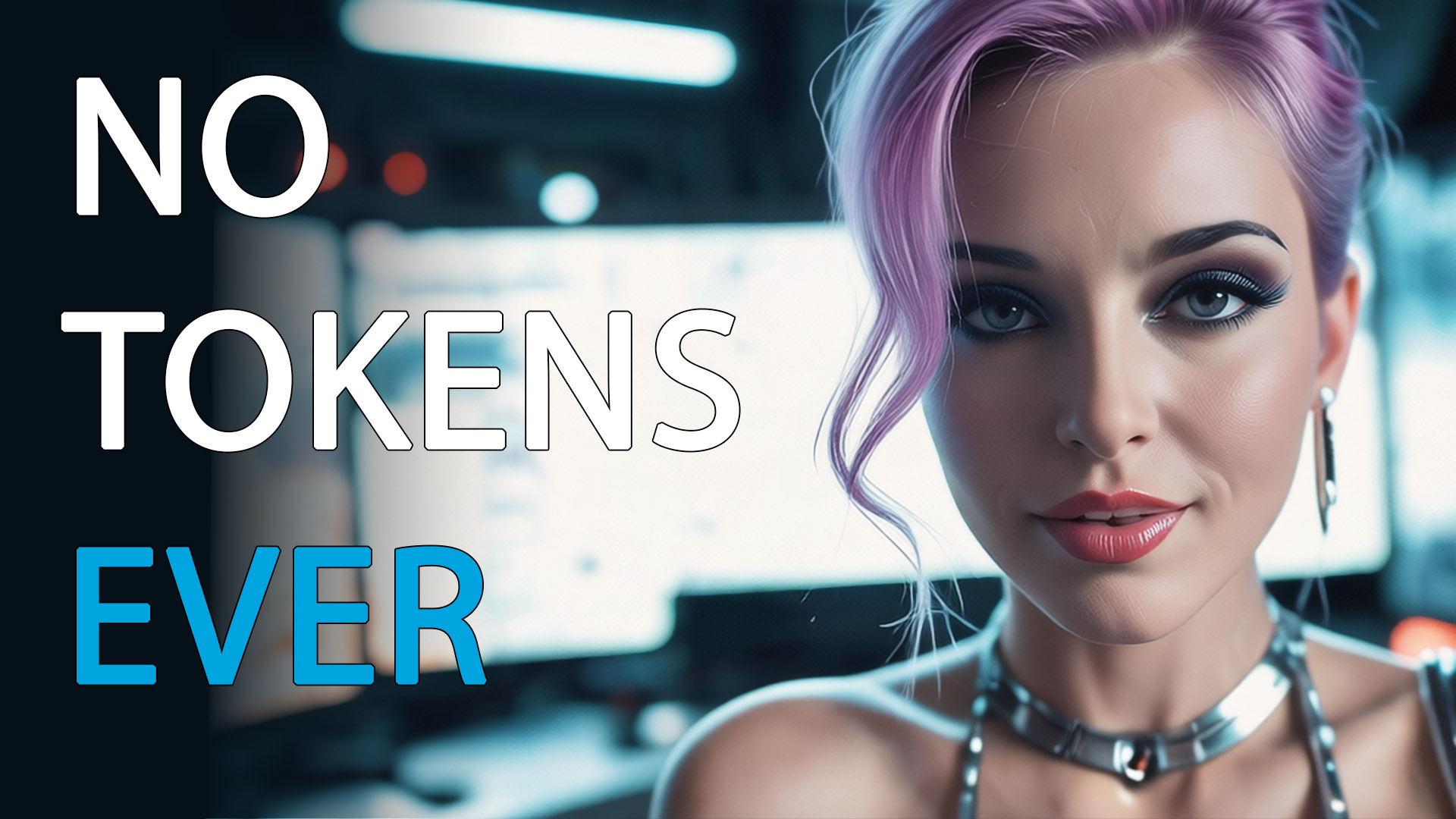
Local AI Video Production Forever: Why Latent Core Is Breaking the Cloud Dependency
The era of paying for every second of AI video is over. The era of ownership has arrived.
Breaking the Cloud Dependency
For too long, creators have been held hostage by cloud-based AI tools — charging by the second, limiting creativity, and keeping your data on their servers.
Every prompt, every frame, every second of generated video comes with a meter running. And the more you create, the more you pay. It’s a model that punishes creativity and rewards restraint.
Vset3D is changing the game with Latent Core.
It is the first all-in-one AI production suite designed to run 100% locally. No subscriptions. No token costs. And absolutely no compromise on privacy.
This isn’t an incremental improvement. It’s a fundamental shift in how AI-powered video production works — and who controls it.
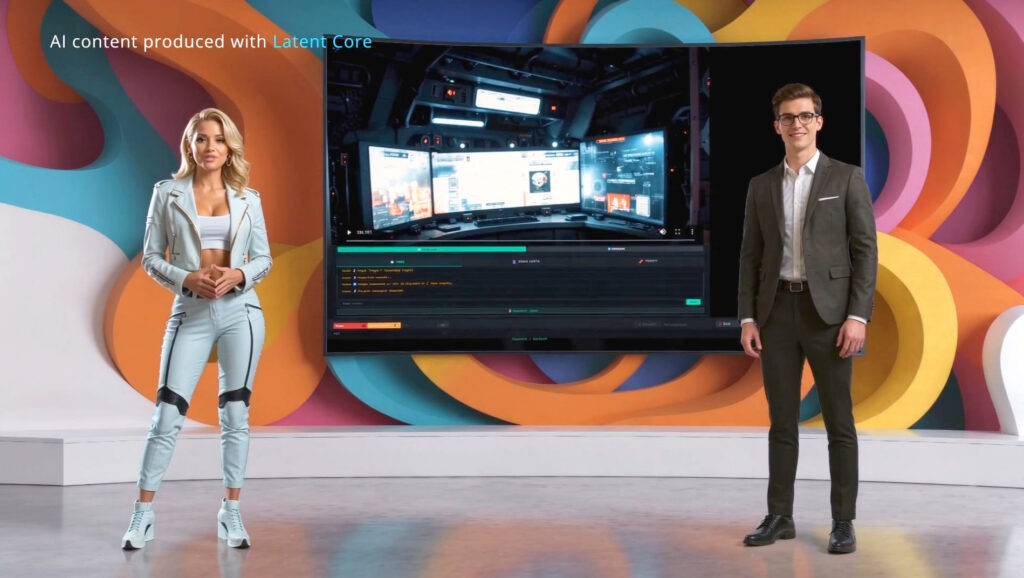
The Power of Local Intelligence
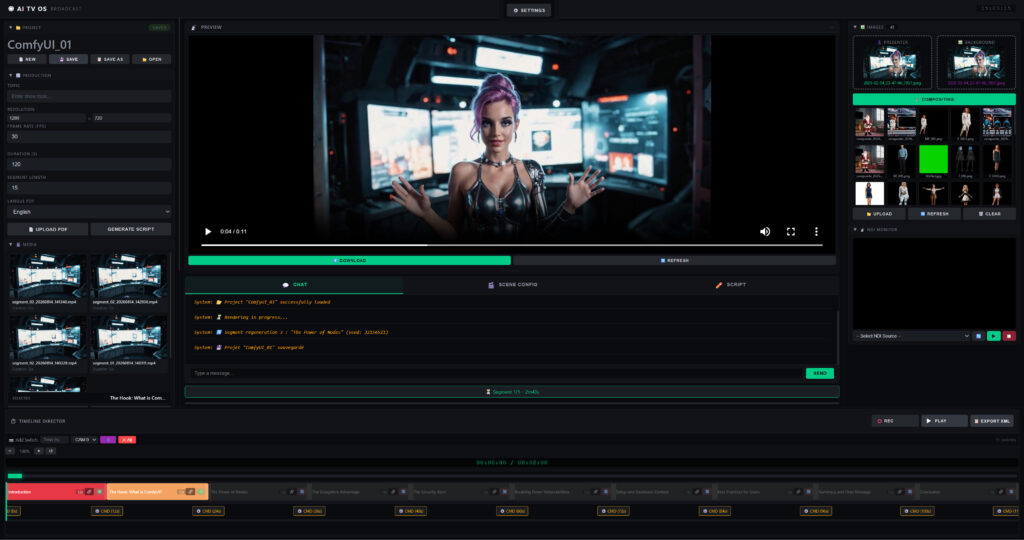
At the heart of Latent Core are two powerful local engines: Ollama for script generation and ComfyUI for video synthesis. Together, they transform a simple topic — or even a PDF — into a broadcast-ready masterpiece.
But here’s where Latent Core truly separates itself from cloud generators:
Cloud tools give you five-second clips. Latent Core gives you a film.
- Professional timeline interface — drag-and-drop segments, adjust durations, fine-tune every scene
- Unlimited segments — no per-second billing, no generation caps
- Seamless XML export — take your project straight into DaVinci Resolve for final polish
- Complete asset control — choose your presenters, backgrounds, and visual identity
- Total privacy — your scripts, your presenters, and your raw footage never leave your machine
For newsrooms, corporate communications teams, and R&D departments, this last point isn’t a luxury. It’s non-negotiable.
From Idea to Broadcast in 6 Steps
Latent Core was built for speed and consistency. The entire workflow — from concept to final render — takes just six steps:
- Enter a topic — Type any subject or import a PDF
- Generate a script — AI creates a structured script with scenes
- Create a timeline — Automatic segmentation with editable durations
- Choose your assets — Select presenters and background images
- Generate videos — AI renders each segment automatically
- Broadcast — Stream via NDI, export, or edit in DaVinci Resolve
No cloud uploads. No waiting in queues. No usage meters ticking in the background.
Just you, your machine, and unlimited creative freedom.
Real-World Scalability
The impact of Latent Core isn’t theoretical. It’s measurable — and it’s already happening across industries.
📺 Regional TV Stations
Producing several news bulletins a day with a single editor. Up to 70% reduction in production costs. Payback in under three months.
🎥 Production Studios
Delivery times slashed from days to hours. Higher margins on every project. Payback in around four months.
🏢 Industrial Groups
200 training videos for a global rollout — a project that would have cost over €80,000 in cloud tokens alone — handled locally for a one-time fee. That’s a ~95% cost reduction.
Whether you choose Lite, Pro, or Studio, the model is the same: you pay once and produce forever.
Cloud vs. Latent Core: The Honest Comparison
We believe in transparency. Latent Core isn’t for everyone — and we’re upfront about that.
| Criteria | Cloud AI Tools | Latent Core |
|---|---|---|
| Monthly cost | €500 – €5,000 | €0 |
| Cost per video | €50 – €200 | €0 |
| Raw video quality | 8/10 | 7/10 |
| Data privacy | ❌ Sent to cloud servers | ✅ 100% local |
| Generation limits | Pay-per-use | ✅ Unlimited |
| Content moderation | ❌ Strict filters | ✅ None |
| Internet required | ❌ Always | ✅ Only for web search |
| Render speed | Fast (cloud GPUs) | Depends on your GPU |
Our raw video quality is approximately 7/10 vs. 8/10 for top cloud tools. For 95% of broadcast and content production use cases, that difference is negligible.
What you gain in return: no censorship, no limits, no recurring costs, and complete privacy.
That’s a trade-off most professionals are happy to make.
Who Is Latent Core For?
- Local TV stations producing daily news content
- Production studios delivering client projects at scale
- Corporate teams creating internal training and communication videos
- Educational institutions building course libraries without recurring costs
- R&D departments working with sensitive or proprietary content
If you produce video regularly and you’re tired of renting your creativity, Latent Core was built for you.
System Requirements
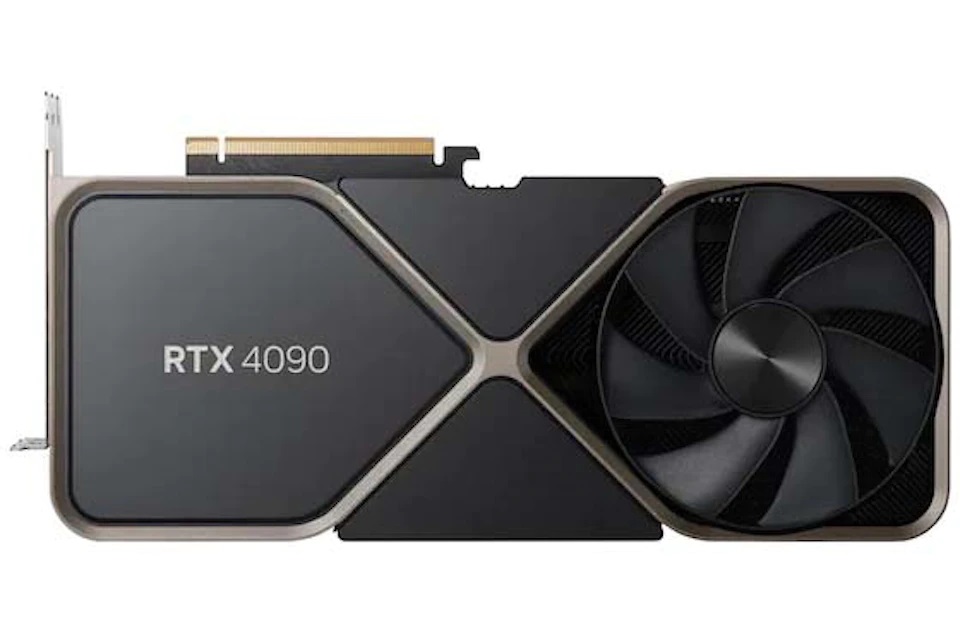
Latent Core requires an NVIDIA GPU with CUDA support. Here’s what you need:
Minimum
- Windows 10/11 (64-bit)
- 32 GB RAM
- NVIDIA GPU — 12 GB VRAM
- 1 TB NVMe SSD
- CUDA drivers installed
Recommended
- Windows 11 (64-bit)
- 64 GB RAM or more
- NVIDIA RTX 4090 / 5090 (24/32 GB VRAM)
- 1 TB NVMe SSD
- Gigabit network
The software is portable — no installation, no admin rights required. Download, extract, run, and start creating.
Try It Free for 7 Days
The best way to understand what Latent Core can do is to try it yourself.
Download the free demo and get:
- ✅ Full PRO features unlocked for 7 days
- ✅ Unlimited 720p generation
- ✅ Sample project included
- ✅ Email support during your trial
No credit card. No signup. No restrictions.
Your 7-day trial activates automatically on first launch.
Stop Renting Your Creativity. Start Owning Your Production.
The cloud model was never designed for creators. It was designed for platforms — to maximize recurring revenue while keeping your data and your creative output under their control.
Latent Core flips that model.
One payment. Unlimited videos. No tokens. No subscription. No surprises.
The revolution is local — and it has already begun.
👉 Download your free demo today at Vset3D.com
Frequently Asked Questions
Can I use Latent Core for commercial projects?
Yes — all paid licenses include full commercial usage rights, worldwide, without restriction.
Do I need a powerful GPU?
Yes, an NVIDIA GPU with CUDA support is required. Minimum 12 GB VRAM. For 4K rendering (Studio), 32 GB VRAM (RTX 5090).
How does license activation work?
After purchase, send your hardware ID (visible in the software’s License panel) to vset3d.com. You’ll receive your activation key by email within 12 hours.
What happens after the 7-day trial?
Latent Core deactivates. You can request an extension if you need more time for testing, or upgrade to PRO or STUDIO at any time — without data loss or reinstallation.